Local browser protection
Block risky websites before they open.
ScreenGuard warns you before adult, gambling, phishing, malware and suspicious websites load. Keep control of the click, wherever it started.
- Runs locally
- No account
- No tracking
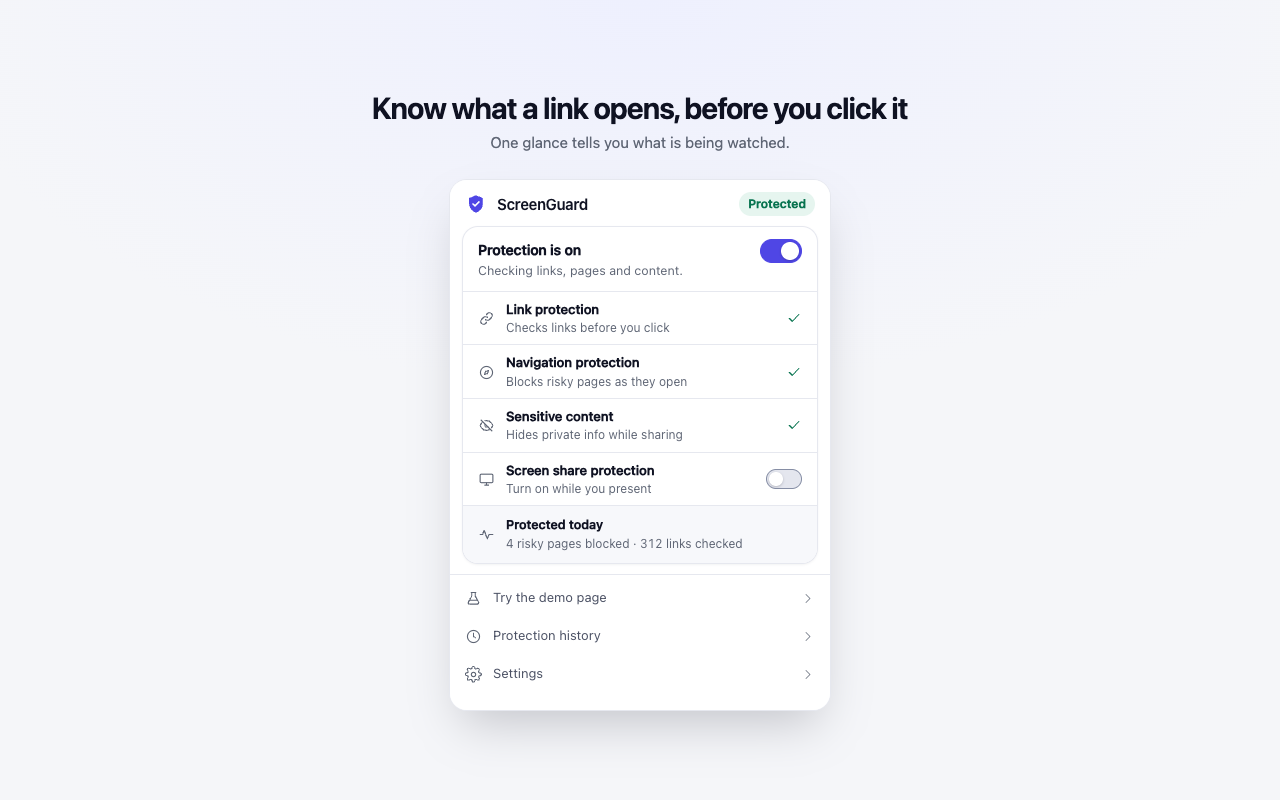
Get the context you need before a page takes over.
ScreenGuard stays quiet until it finds a reason to interrupt. When it does, the decision remains yours.
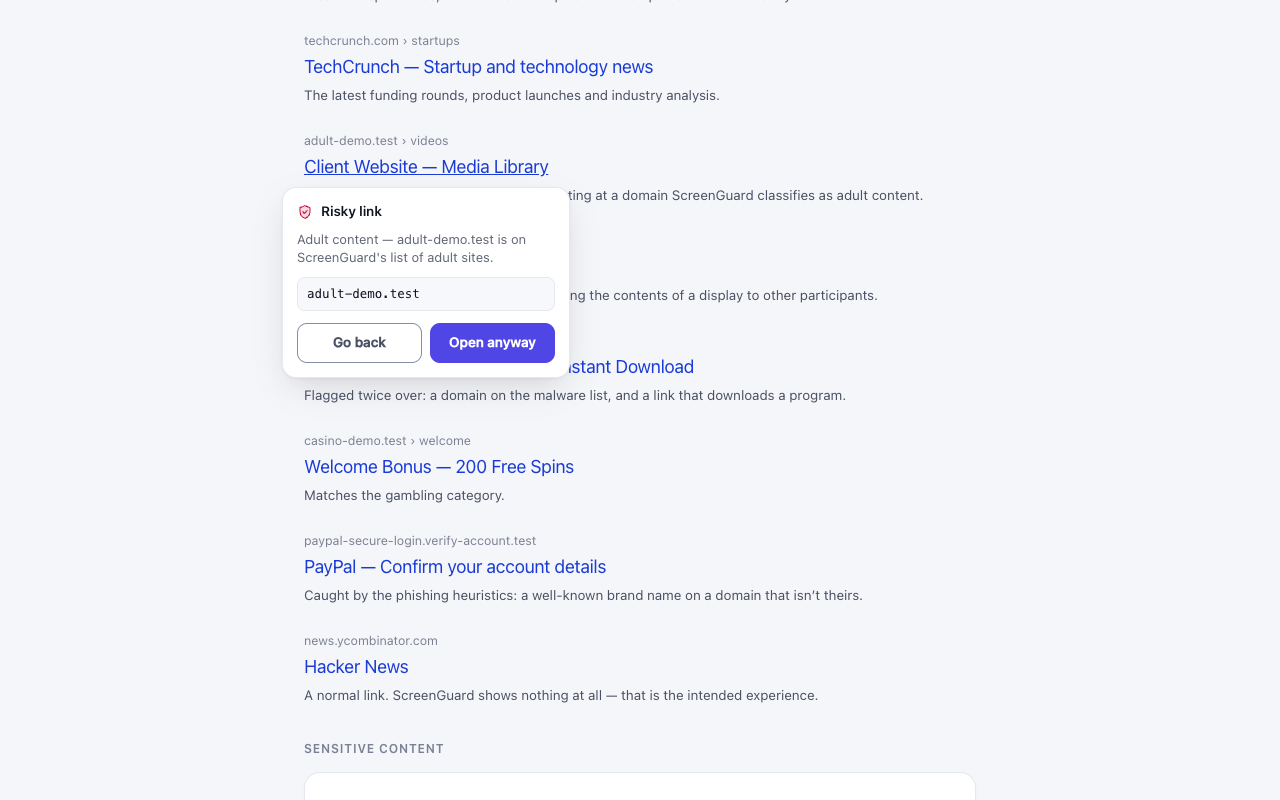
Warn before a risky click
Hover a link to see a warning. If it is risky, ScreenGuard pauses navigation so you can open it once, allow it, or leave.
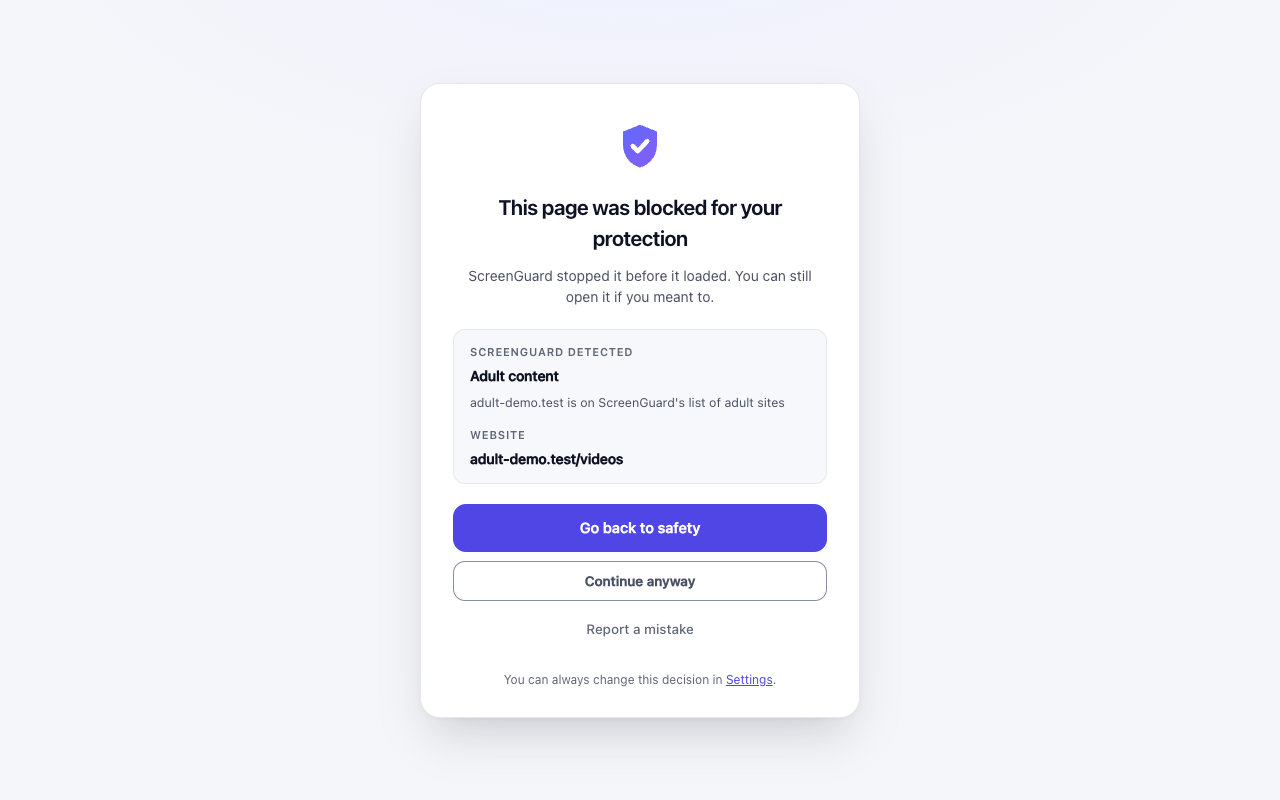
Cover every route in
Typed addresses, bookmarks, redirects and embedded pages get the same check, not only links you click.
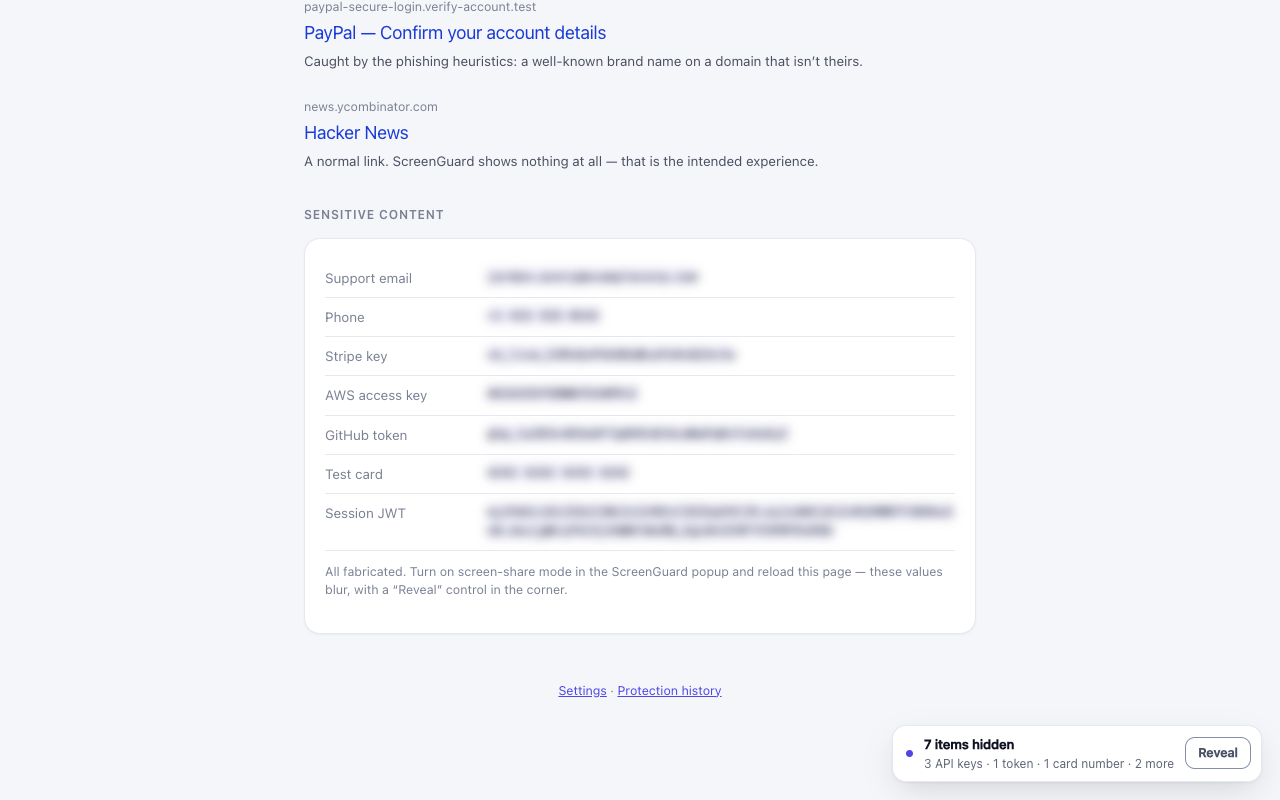
Share without exposing details
Screen Share Mode hides email addresses, phone numbers, card numbers and API keys while you present.
Private by design
Your browsing stays in your browser.
Risk classification uses a local list and rules. Sensitive-content detection reads the page you are viewing, but that text does not leave your browser.
- No server or sign-in
- No analytics or remote configuration
- Settings and protection history stay on this device
What to expect from ScreenGuard.
What does ScreenGuard block?
ScreenGuard can warn about or block adult, gambling, phishing, malware and suspicious websites. You can also add sites to your own allow and block lists.
Does ScreenGuard send browsing data to a server?
No. Risk checks use local rules on your device. The extension does not send your browsing history, URLs or page text to a server.
How does screen-share protection work?
Turn on Screen Share Mode before a call. ScreenGuard can hide email addresses, phone numbers, card numbers and API keys, and can block personal-page categories while the mode is active.
Keep the next click yours.
Install ScreenGuard from the Chrome Web Store.
Add to Chrome